How to Write a Solid Design Brief: Workflows & Real Examples
Learn how to write a powerful design brief that aligns teams, reduces rework, and improves product outcomes. Includes real workflows and practical examples for modern product teams.

Design projects rarely fail because designers lack creativity. They fail because expectations were never aligned.
A weak design brief creates ambiguity around goals, scope, constraints, and success criteria. The result is predictable: endless revisions, misaligned feedback, and frustrated stakeholders. A strong design brief, by contrast, acts as a shared contract between product, design, engineering, and business teams—before a single pixel is created.
This guide explains what a design brief really is, why it matters across the product lifecycle, how it differs from a creative brief, and how modern teams can build design briefs more efficiently using structured workflows and AI-assisted tools like Kuse.
What Is a Design Brief?
A design brief is a structured document that clearly defines the problem a design needs to solve, the context in which it exists, and the constraints that shape the solution.
Unlike informal requests (“Can you redesign this page?”), a design brief translates business intent into design direction. It provides designers with enough clarity to make informed decisions—without prescribing the solution itself.
In product-driven organizations, a design brief typically connects:
- Product goals and user needs
- Business constraints and technical realities
- Design scope, deliverables, and success criteria
A good design brief answers one central question:“What problem are we solving, and how will we know the design succeeded?”
Why Is a Design Brief Important?
Design briefs matter because design work sits at the intersection of strategy and execution. When context is missing, design decisions become subjective, reactive, and expensive to correct later.
A solid design brief creates value in several ways:
First, it reduces ambiguity early. Designers don’t need to guess what “good” looks like or reverse-engineer intent from feedback. Clear inputs lead to clearer outputs.
Second, it accelerates alignment across teams. Product managers, designers, engineers, and stakeholders reference the same source of truth instead of interpreting goals independently.
Third, it protects design quality. When tradeoffs arise—as they always do—the brief anchors decisions to objectives rather than opinions.
Finally, it saves time. Fewer revision cycles, fewer re-explanations, and fewer late-stage changes mean design teams can spend more time designing and less time negotiating meaning.
In short, a design brief is not overhead—it’s a force multiplier.
Design Brief vs. Creative Brief
Design briefs and creative briefs are often confused, but they serve different purposes and appear at different stages of work.
The distinction between a design brief and a creative brief is subtle but critical—especially in cross-functional product teams.
A design brief exists to align decision-making before design work begins. It frames the problem space, constraints, and success criteria so designers can reason effectively. Its primary function is operational clarity: reducing ambiguity, preventing misalignment, and anchoring design choices to product intent.
A creative brief, by contrast, exists to guide expression once direction is already set. It translates strategy into tone, messaging, visual language, and emotional impact. Its function is creative coherence, not problem definition.
In practice, teams often run into trouble when these two documents are conflated.
When a creative brief is used in place of a design brief, designers receive direction on how things should look without understanding what problem they are solving. This leads to visually polished outputs that fail usability, strategy, or feasibility checks.
When a design brief is treated like a creative brief, it becomes overly abstract—lacking concrete guidance on constraints, audience, or evaluation—forcing designers to guess what stakeholders actually care about.
In mature product organizations, the relationship looks like this:
The design brief establishes intent, boundaries, and success conditions.
The creative brief shapes execution within those boundaries.
Not every project needs both. Internal tooling, system UX, or workflow design may rely entirely on a design brief. Brand campaigns, marketing sites, or product launches often require both—but in sequence.
Understanding this distinction helps teams place the right document at the right stage of the product lifecycle, rather than using briefs as generic “design paperwork.”
How to Write a Successful Design Brief (End-to-End)
A successful design brief is not defined by its format, length, or template. It is defined by whether it allows a designer—who was not in the original discussions—to make correct decisions independently.
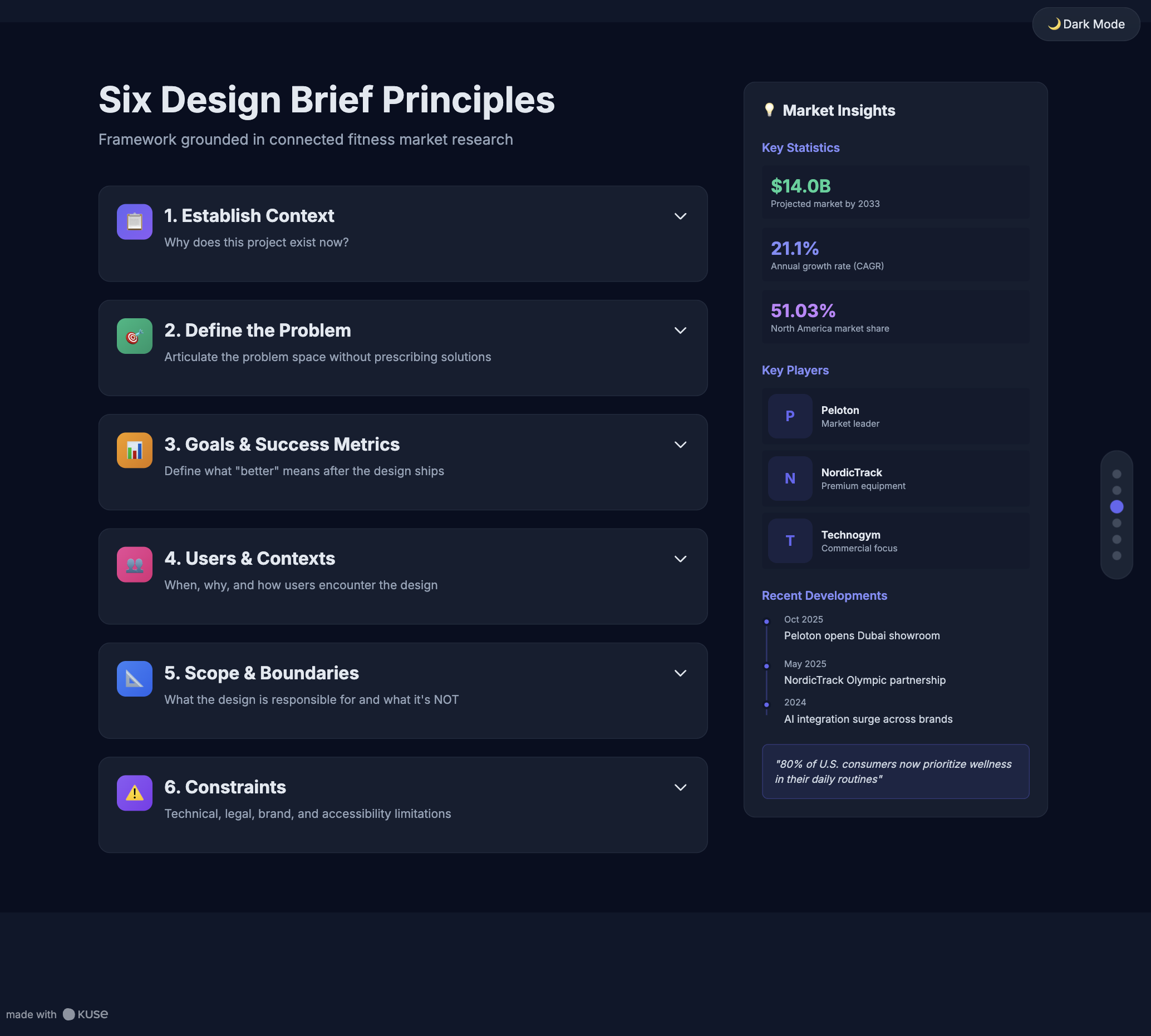
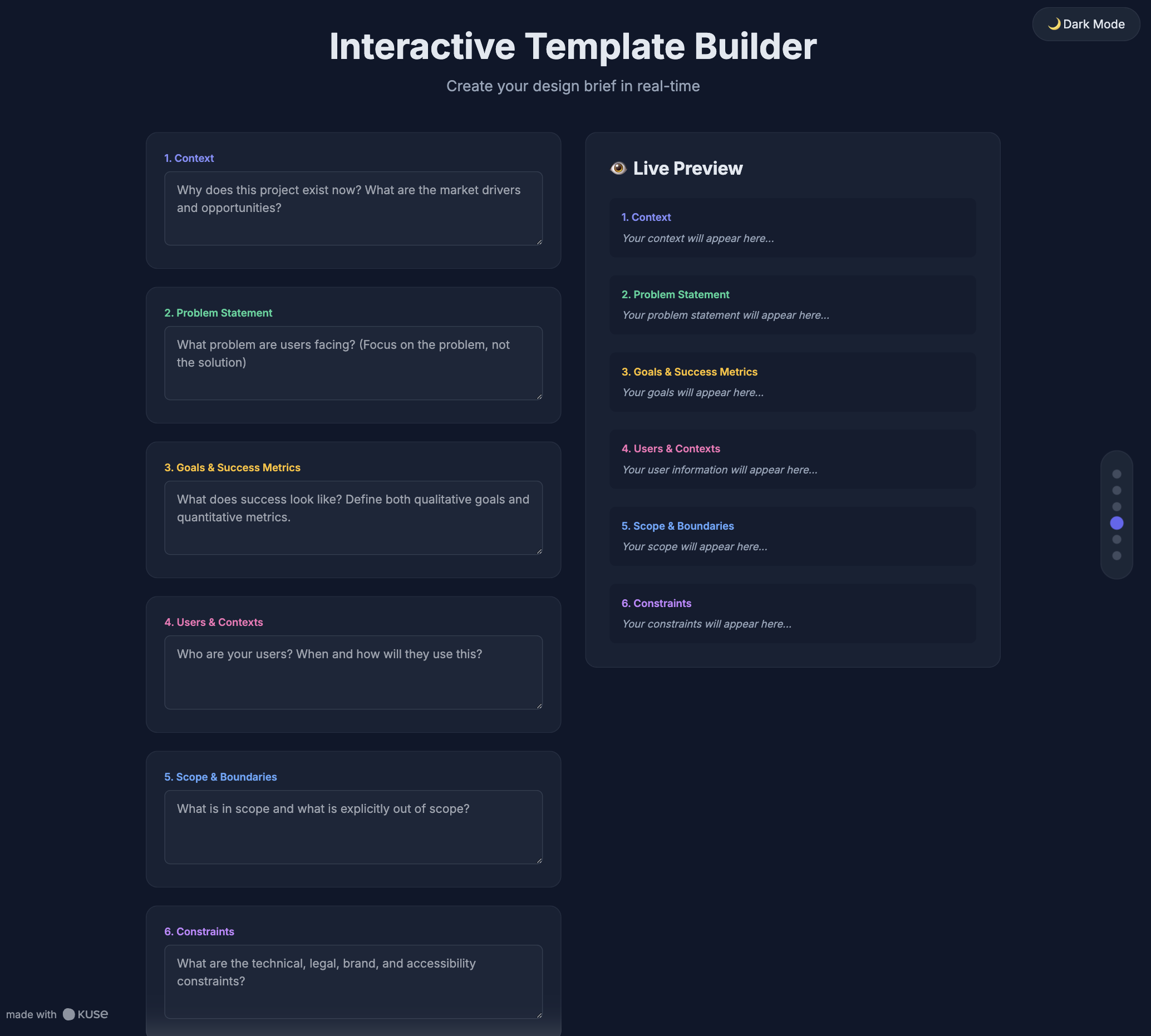
To achieve that, a design brief must fully cover six core dimensions: context, problem, goals, users, constraints, and execution boundaries. Below is how to build each one deliberately.
1. Establish Context Before Asking for Design

Every design brief should begin by answering a simple question: Why does this project exist now?
Context provides temporal and organizational grounding. It explains whether the work is driven by user feedback, strategic shift, technical debt, performance decline, regulatory change, or market opportunity.
This section should not be a history lesson—but it should give designers enough background to understand urgency, relevance, and tradeoffs. Without context, designers are forced to infer priorities from feedback later, which often leads to rework.
A strong context section also surfaces non-obvious constraints early, such as parallel initiatives, dependencies, or upcoming milestones that shape design decisions.
2. Define the Problem—Not the Solution
The most common design brief failure is jumping straight to solutions.
A design brief should articulate the problem space clearly, without prescribing how it must be solved. This means describing what users struggle with, where friction occurs, or why current behavior is suboptimal—grounded in evidence where possible.
Good problem statements:
- Focus on user experience or system behavior
- Avoid interface-level prescriptions
- Are narrow enough to be actionable
If a designer can read the problem statement and propose multiple viable solutions, the brief is doing its job.
3. Clarify Goals and Success Metrics
Design without goals is decoration.
This section defines what “better” means after the design is shipped. Goals may be qualitative (clarity, trust, ease of use) or quantitative (conversion, completion time, error reduction), but they must be explicit.
Equally important is clarifying what does not matter for this project. Not every design needs to optimize for all metrics. Tradeoffs are unavoidable, and designers need to know which outcomes are prioritized.
Success criteria do not need to be perfect or final—but they must be directionally clear enough to guide decisions during design reviews.
4. Describe Users and Real Use Contexts
Design briefs often fail by naming users but not situations.
Beyond defining user segments, a strong brief explains when, why, and how users encounter the design. This includes:
- Primary tasks and motivations
- Environmental constraints (time pressure, device, context switching)
- Edge cases or high-risk scenarios
Even brief user context helps designers reason about hierarchy, interaction cost, and error tolerance—without requiring a full research report.
5. Set Scope and Boundaries Explicitly
Scope clarity protects both design quality and team relationships.
This section defines what the design is responsible for—and what it is not. It should specify:
- Platforms and surfaces involved
- Depth of design expected (conceptual vs production-ready)
- Dependencies on other teams or systems
Explicit boundaries prevent misaligned expectations and reduce last-minute expansion that compromises quality.
6. Surface Constraints Early and Honestly
Constraints are not limitations—they are design inputs.
Technical, legal, brand, accessibility, and operational constraints should be visible from the start, not introduced during review. Late constraints force redesign; early constraints shape smarter solutions.
Even when constraints are uncertain, naming them as assumptions is better than omitting them entirely. Designers can design with uncertainty—but not without awareness.
7. Define Stakeholders, Feedback Flow, and Decision Ownership
Finally, the brief should clarify how decisions will be made.
This includes:
- Who provides feedback
- Who approves final designs
- How conflicts will be resolved
- When reviews happen
Clear ownership prevents feedback overload and protects designers from contradictory direction. It also speeds up iteration by reducing ambiguity around authority.
How to Build Design Briefs More Efficiently with Kuse
In many teams, design briefs fail not because people don’t know what to include—but because information is scattered across tools, meetings, and documents.
Kuse helps streamline design brief creation by acting as a context aggregation and synthesis layer within the product lifecycle.
A Practical Kuse Workflow
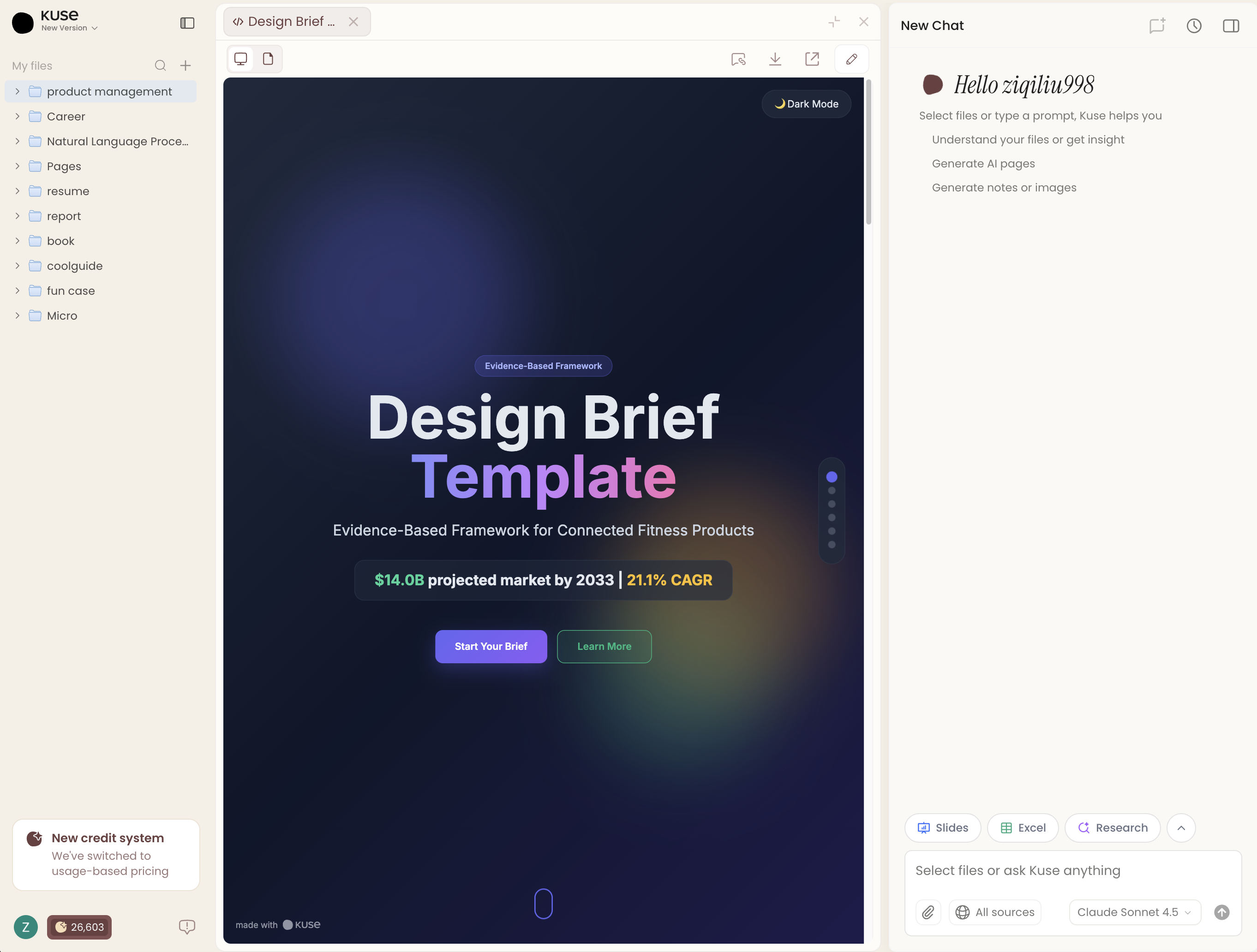
Collect context in one workspaceUpload PRDs, research notes, user feedback, meeting summaries, and related assets into Kuse.
Let Kuse synthesize inputsKuse can summarize background context, extract user pain points, and surface constraints from unstructured documents.
Generate a structured design brief draftUsing prompts like:“Generate a design brief based on this product context, including problem statement, goals, target users, constraints, and deliverables.”
Edit and refine collaborativelyTeams can adjust language, scope, and priorities directly in the same workspace—without copying content across tools.
Reuse context across the lifecycleThe design brief remains linked to upstream strategy and downstream execution, preserving decision context over time.
Rather than replacing human judgment, Kuse reduces manual synthesis work—allowing teams to focus on clarity and quality.
Conclusion
A design brief is not a formality—it is a strategic artifact.
When written well, it aligns teams, protects design quality, and reduces costly rework. When written poorly—or skipped entirely—it becomes one of the earliest sources of lifecycle friction.
As products grow more complex and cross-functional, teams need design briefs that are grounded in context, explicit about tradeoffs, and easy to evolve. Tools like Kuse help teams meet this need by turning scattered inputs into coherent, reusable design direction.
Strong design starts long before design begins.